Why Optimize Images?
Large images slow down your site. Optimize to improve speed, SEO, and user experience.
Common Issues
- Uncompressed images (e.g., raw PNG/JPG).
- Incorrect file formats (e.g., using PNG for photos).
- No lazy loading or responsive sizing.
How to Fix:
1. Use Modern Formats (WebP/AVIF)
Convert images to WebP (smaller than JPG/PNG):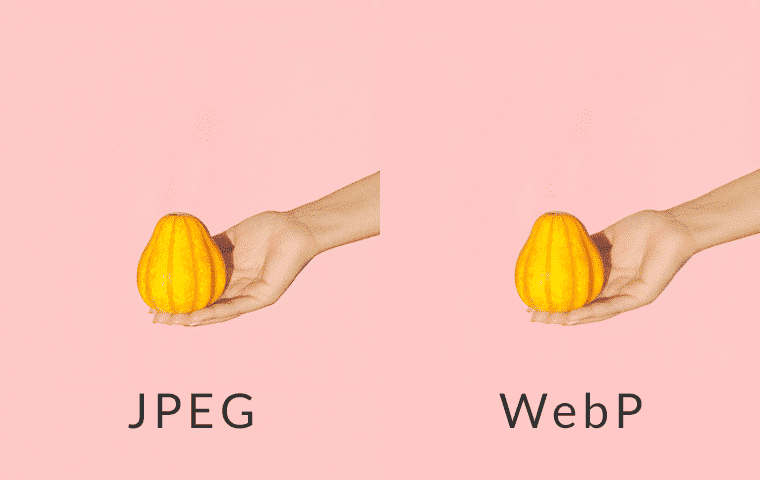
2. Compress Images
Use tools like TinyPNG or Squoosh:
# Example Squoosh CLI command:
npx @squoosh/cli --webp '{quality:75}' image.jpg
3. Lazy Load Images
Add loading="lazy" to defer offscreen images: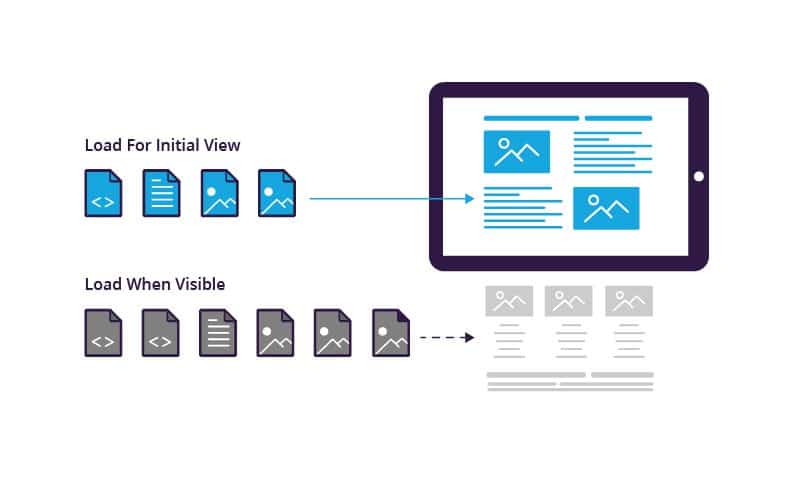
4. Use Responsive Images
Serve scaled images with srcset: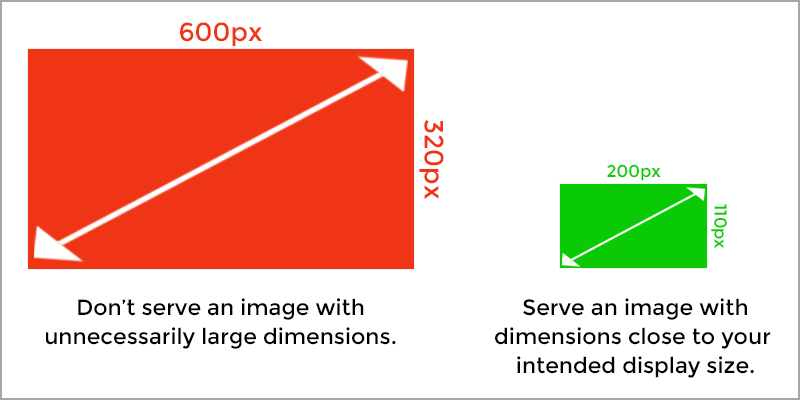
5. CDN/Image Optimization Services
Use services like Cloudinary or Imgix for on-the-fly compression.
Prevention Tips
- Set up automated optimization in your workflow (e.g., Webpack).
- Use WordPress plugins like ShortPixel.
- Audit images with PageSpeed Insights.
Note: Avoid over-compressing images. Aim for a balance between quality (80-90%) and file size.